How do I find flats within 30 minutes of work in Prague?
Save the place you travel to, and when you need to be there, and Bytky times the trip by public transport from every listing in Prague and Central Bohemia, door to door, on the PID timetables. Then filter to 30 minutes or less, sort by the shortest trip and see the time on every card. Open Commute in the explorer to start; a free account holds one place.
Updated
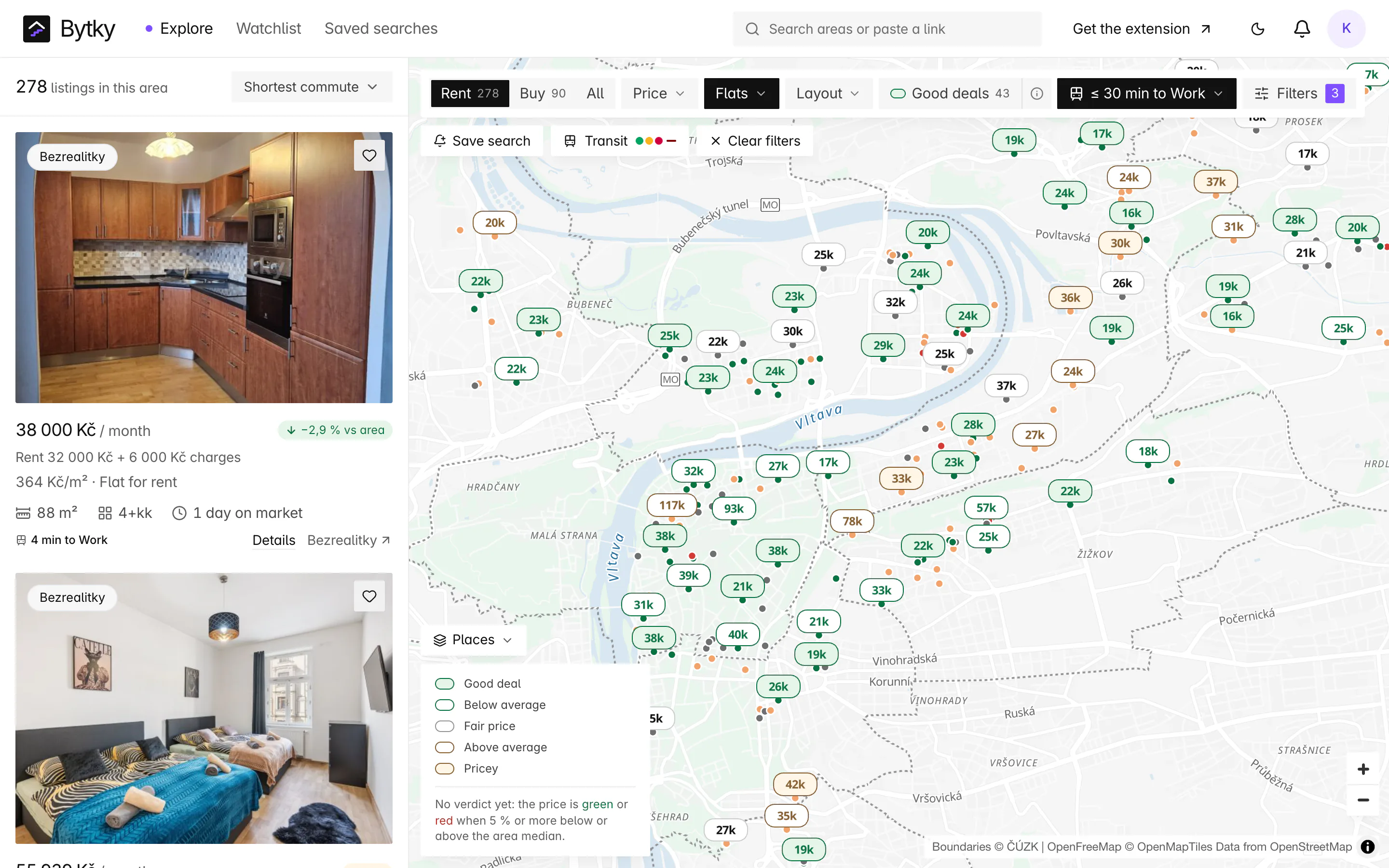
How do I set up the commute filter?
It takes a minute and a free account:
- Open Commute in the explorer's filter bar and add a place: give it a name, search for the area and click the map where you go.
- Pick when you need to arrive: weekdays by 7:30, 8:00, 8:30, 9:00 or 9:30, or Saturdays by 10:00.
- Choose a limit of 15, 20, 30, 45, 60 or 90 minutes, and sort by ‘Shortest commute’ if you like.
Times are ready a few seconds after you save the place. From then on every card says, for example, ‘4 min to Work’, and so does the listing page. Your places are in Settings too, where you can change or delete them.
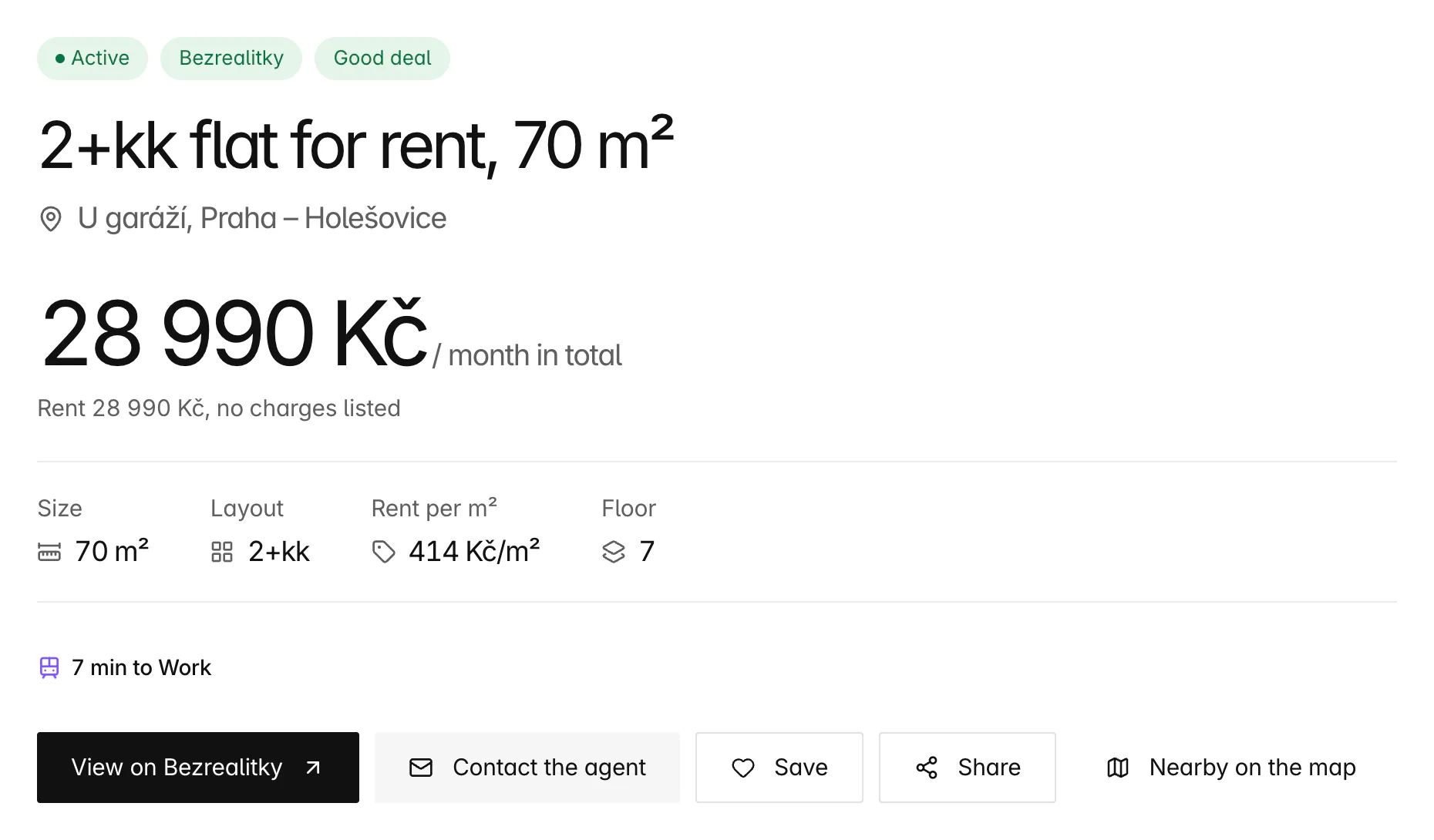
How are commute times worked out?
Bytky runs its own copy of OpenTripPlanner, the open-source journey planner, on the PID timetables and the OpenStreetMap street network for Prague and Central Bohemia. For each place you save, it works out how long it takes to arrive there by your chosen time from every point around it, by any PID public transport, with the walk to the first stop, the changes and the walk from the last stop included.
The planner keeps the quickest way in, so a flat by a fast metro line can beat one that's closer as the crow flies. Near your place, where walking all the way is quicker, Bytky uses the walk instead.
How accurate are the times?
Within a few minutes. Times are worked out for small hexagonal cells a few hundred metres across, from each cell's centre, and every listing in a cell shares its time. When the filter was built, a cell in Karlín read 23 minutes against the planner's own door-to-door route of 22, and one in Stodůlky 45 against 45. Very short trips can read up to 3 minutes long.
The times follow the timetable, not today's delays. Bytky's router is rebuilt whenever PID publishes new timetables, and at least once a week, so a new line or a diversion is picked up.
Can a saved search keep the commute filter?
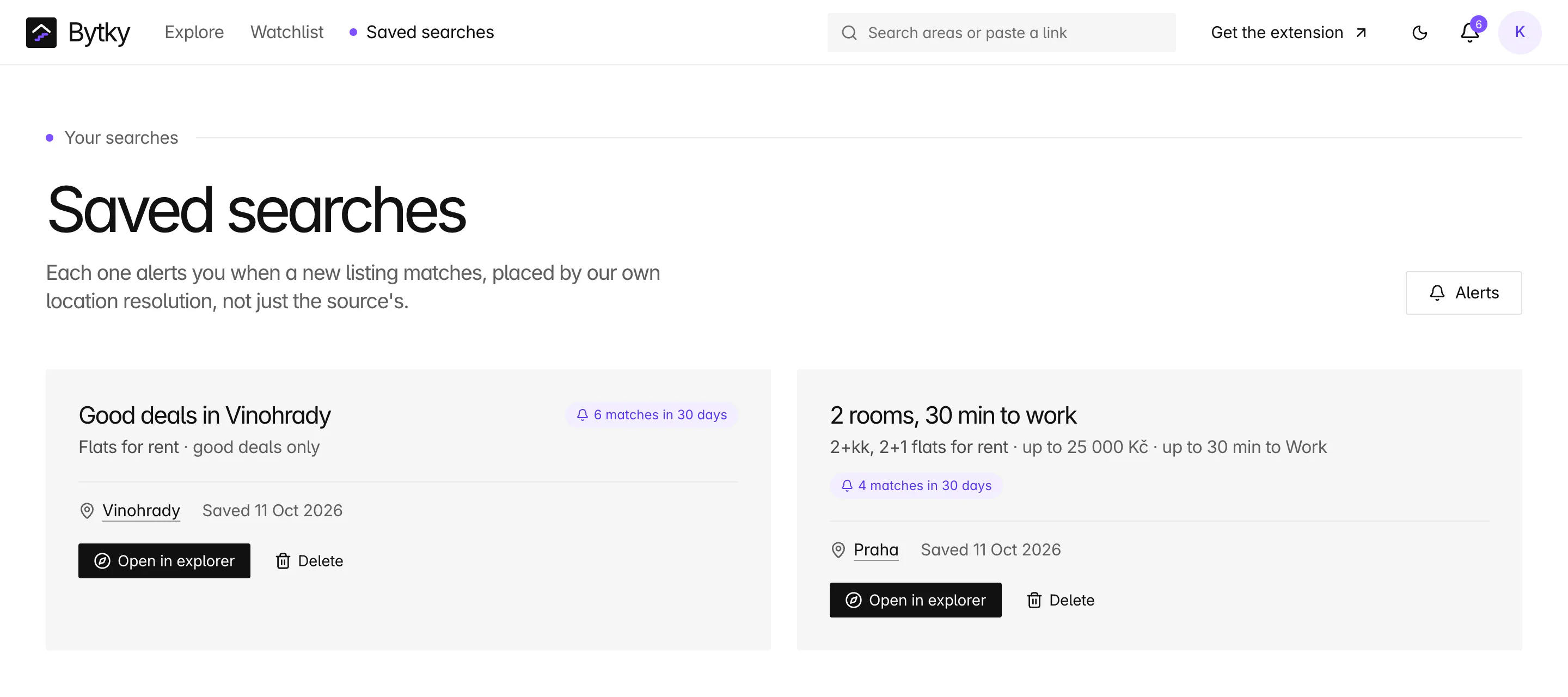
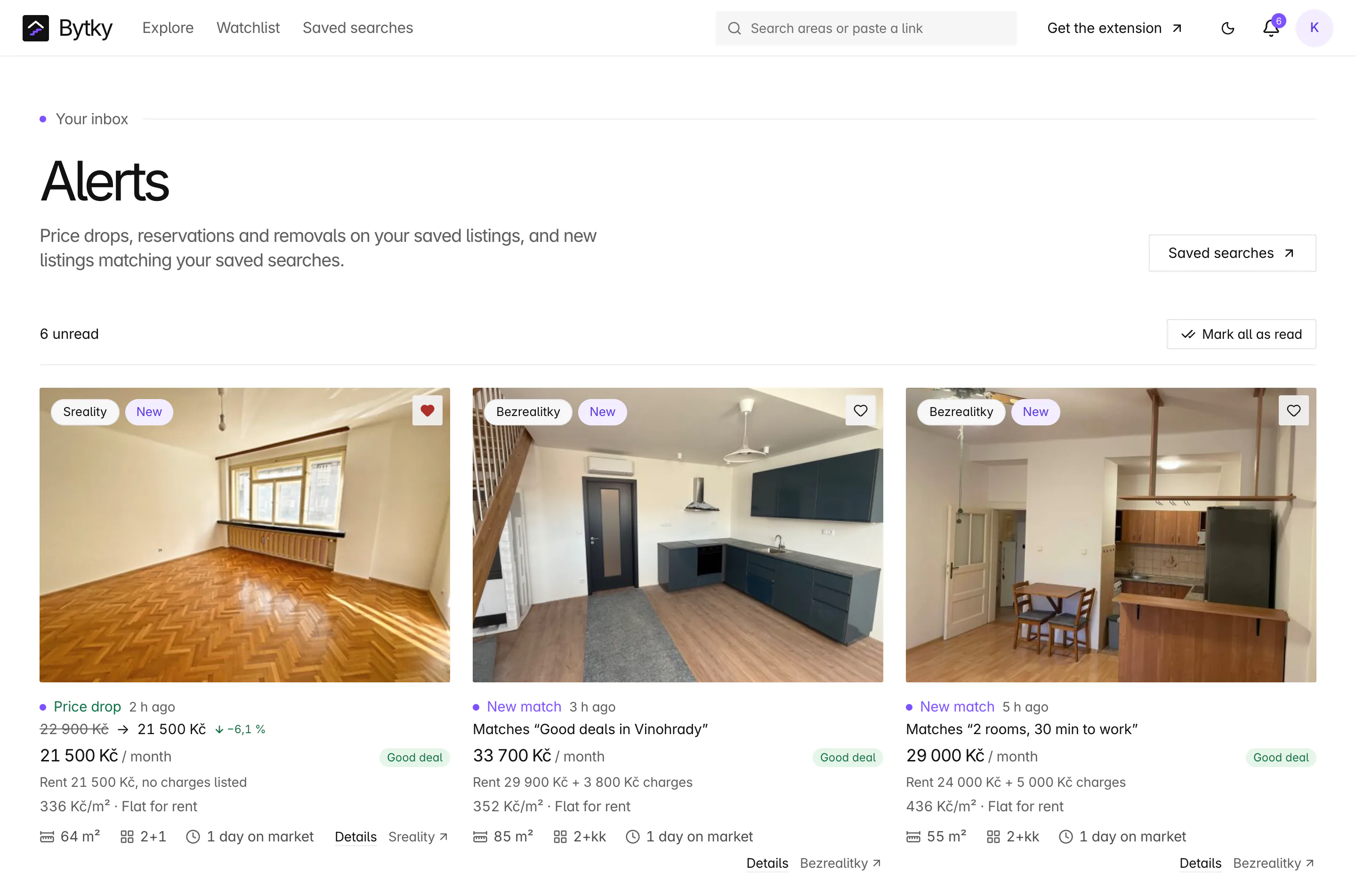
Yes. Save a search with the commute filter on and its alerts only bring new listings within your limit: ‘2 rooms, 30 min to work’ tells you about a new two-room flat only when the trip is 30 minutes or less. When a new listing lands where there's no time yet, Bytky routes it before deciding.
How is this different from the reach map?
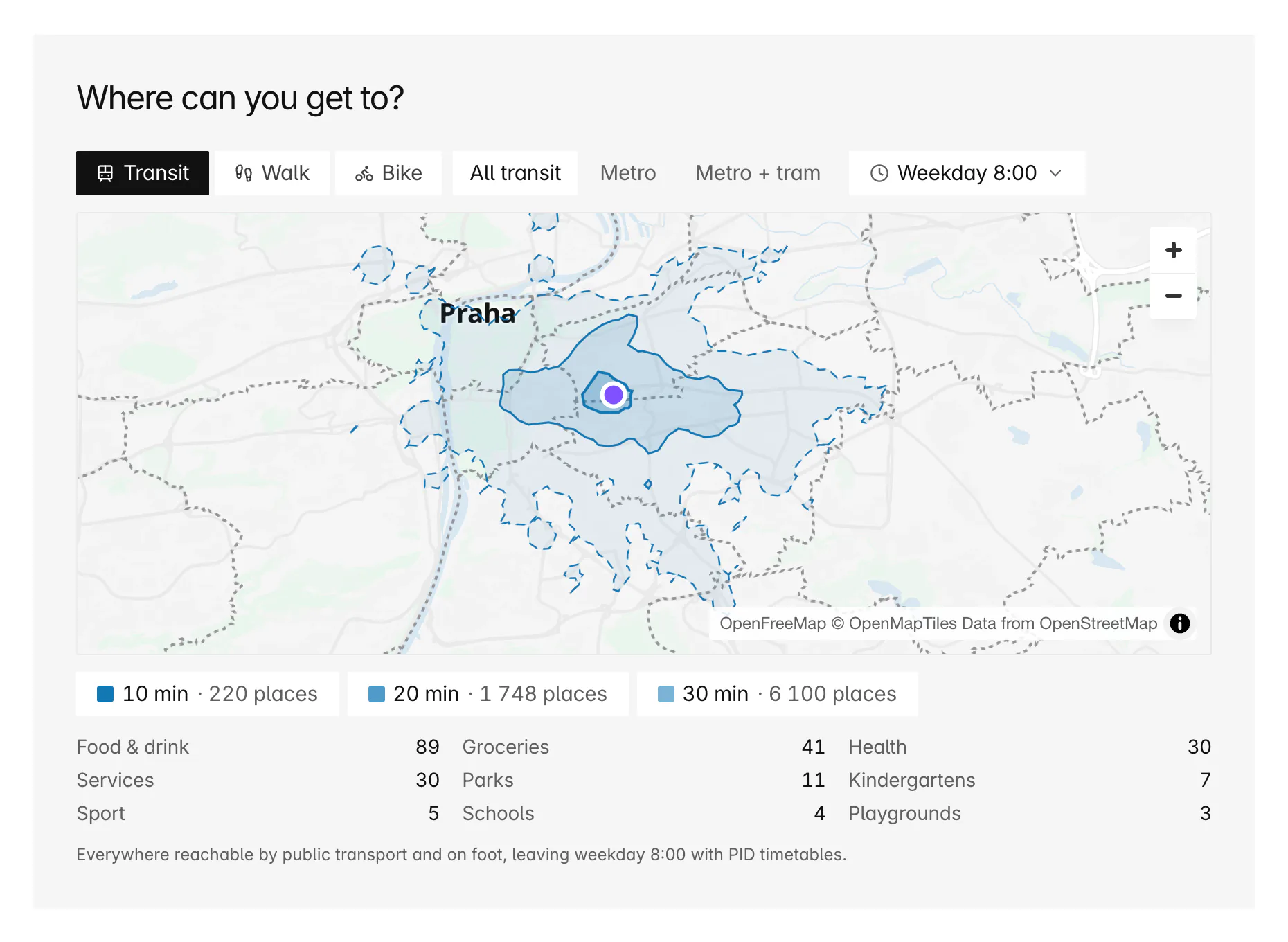
The commute filter works backwards from one place you care about, arriving by a set time, and ranks every listing by it. The reach map works forwards from one flat, leaving at a set time, and shows everywhere you can get to. Use the filter to make a shortlist, then the reach map to see what each flat on it puts within 30 minutes.
Coverage and limits
Where does it work, and where does it stop?
The filter covers the PID network. Where it stops:
- Prague and Central Bohemia only. Listings outside the PID area get no time, so they drop out while the filter is on.
- Public transport only. The router can't time a walk or a ride that has to arrive by a set time, so walking and cycling commutes aren't offered; the reach map covers both.
- One place on a free account. Bytky Plus holds five, and it isn't on sale yet. The filter uses one place at a time.
- Timetabled journeys, not live ones: strikes, closures and delays aren't in them.
- Your places are private. Only you can filter by them, and Settings exports or deletes them with the rest of your data.
Timetables: PID (ROPID), CC BY 4.0 · Map data and places: © OpenStreetMap contributors (ODbL) · Routing: OpenTripPlanner
FAQ
Frequent questions
More about Bytky as a whole, from what it costs to where the data comes from.
Read the main FAQWhich kinds of public transport does the commute filter use?
All of PID: metro, trams, buses, trains and ferries, with the walks between them. The time is the quickest trip that gets you there by your arrival time.
Can I filter flats by cycling or walking time to work?
Not with the commute filter: it times public transport only. To see what's within a walk or a bike ride of a flat, open its reach map and switch to Walk or Bike.
Does the commute filter work outside Prague?
Across Central Bohemia, yes: it covers the whole PID network around Prague. Elsewhere in Czechia there are no commute times yet, and listings there drop out while the filter is on.
How soon do commute times appear after I save a place?
Within seconds. Bytky routes a new place as soon as it's saved, and every listing shows its time once that's done. New listings get their times as they arrive.
Can I compare two workplaces?
A free account holds one place. Bytky Plus, which isn't on sale yet, holds five, and you switch the filter between them; it uses one place at a time.
Who can see my commute places?
Only you. A commute filter works only with your own places, and a shared link that names someone else's place simply drops the filter. Exporting or deleting your account covers them.
Related features
Where to go next

Know what a flat is worth before you call.
Free for flat hunters. No install and no account to start.